Manage your license information
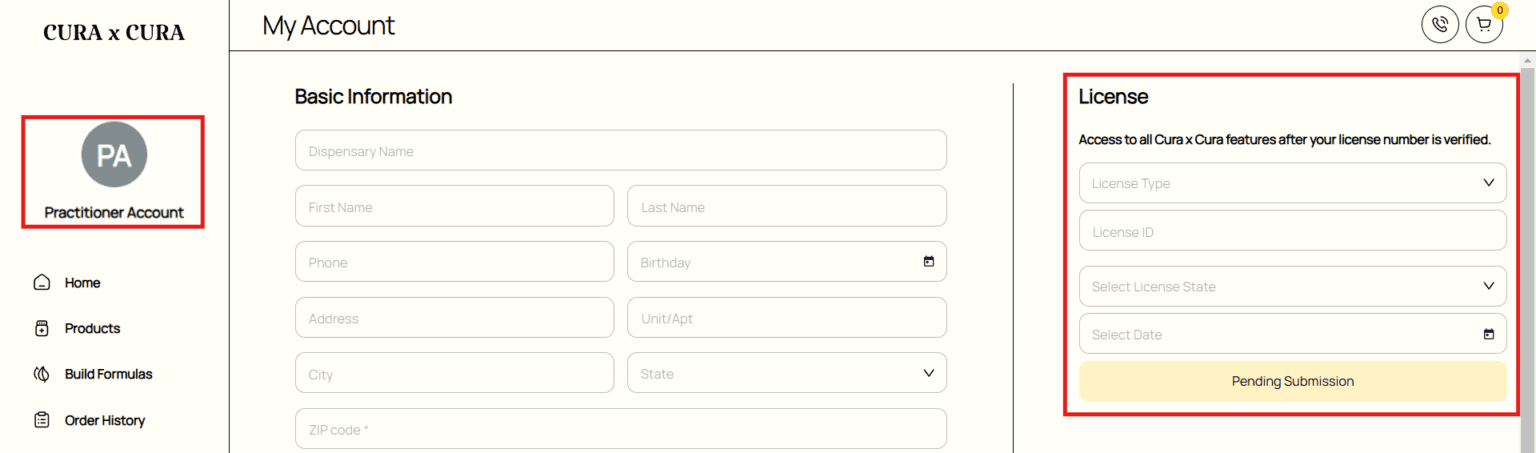
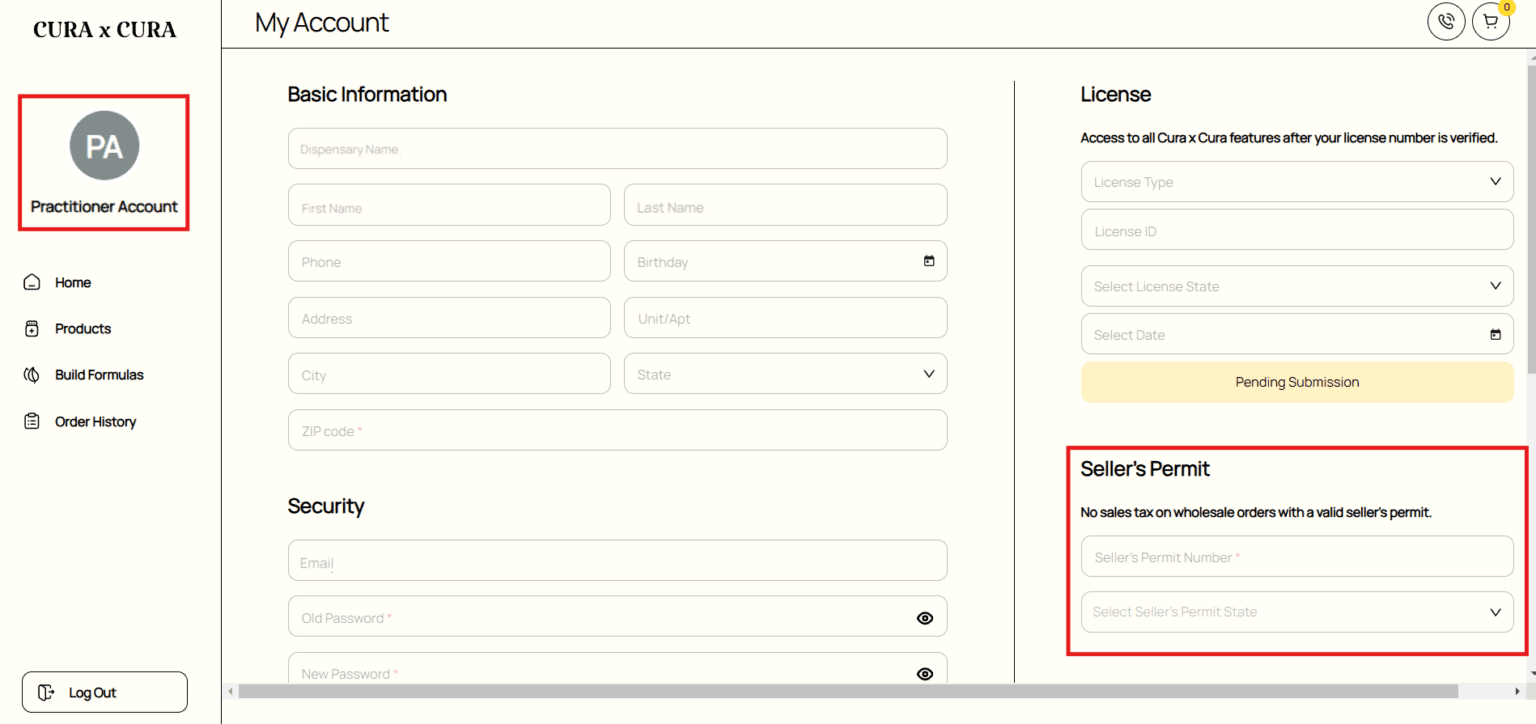
To submit and manage your license information, click on your account icon to access the ‘My Account’ page. On the top-right of the page, you can enter, submit, and manage your license information.
Once your license information is submitted, you will receive an email confirming that the license verification is in progress. The status will then update from ‘Pending Submission’ to ‘Verification in Progress’.
Once approved, you will receive another email confirming that your license has been approved. The status will update from ‘Verification in Progress’ to ‘Approved,’ and you will gain full access to all features of Cura x Cura.
License submission may be declined if the information provided is invalid or inaccurate (e.g., expired license or inaccurate details). In this case, you will receive an email notifying you that the license has been declined, and the status will change from ‘Verification in Progress’ to ‘Declined.’ You can then re-submit your valid and accurate license information for verification.